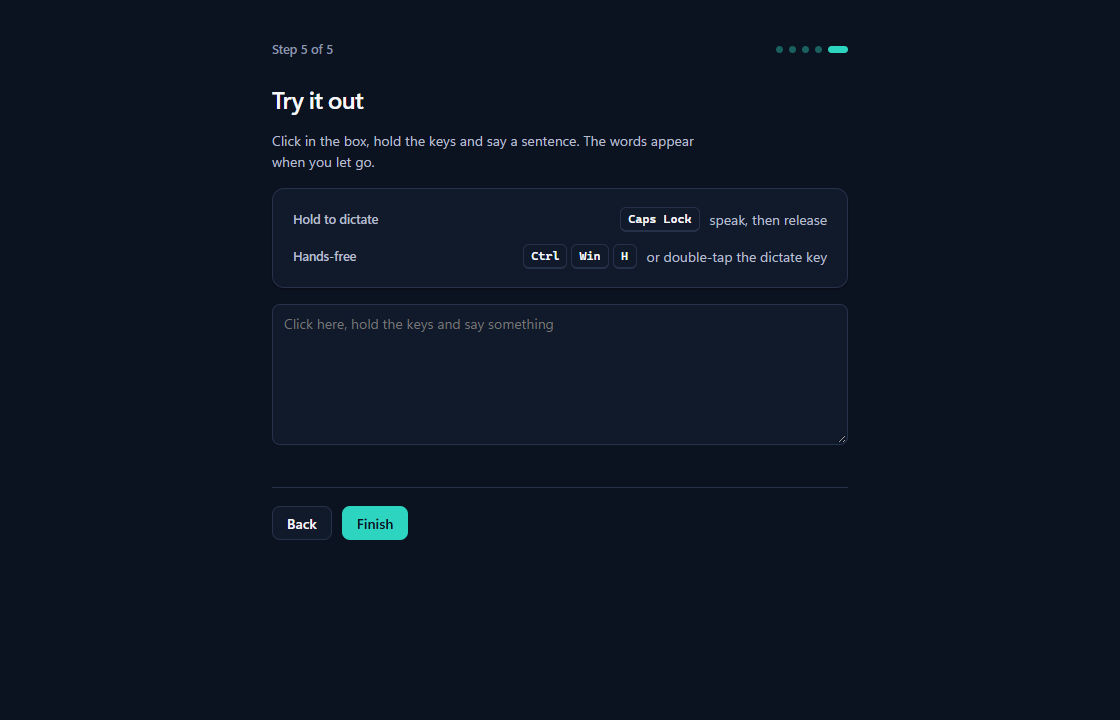
Aye aye, captain. Hold Caps Lock and talk.
Hold it, talk, let go: your words land at the cursor in any Windows app. Superflow does the typing, and speech recognition runs on your own PC.
Download for Windows Read the tutorials
Everything free for 30 days, no sign-up. Then free mode, or $5 for 12 months. Windows only. The installer is not signed yet, so Windows will warn you; the install tutorial shows what to click.
The meeting is moved to Thursday.
Raw wordsum so the meeting is uh moved to thursday
Example text; no microphone is used here. It shows the result with the optional tidy-up step on. Without it you get the raw words.
Three steps
Hold Caps Lock.
It finally has a job. A small bar shows that it is listening, and Esc cancels. No more SHOUTING by accident: Shift + Caps Lock still turns on capitals. Prefer Ctrl + Win or another key? Pick it in Settings.
Talk the way you talk.
Ums and all. For longer stretches, double-tap Caps Lock or press Ctrl + Win + H to go hands-free, and press again to finish.
Let go.
Your speech becomes text on your PC and is pasted at the cursor. Your clipboard is put back, and in a terminal the text goes in as one line and never presses Enter.
Your PC
- Your microphone
- Speech modelParakeet or Whisper
- Tidy-upoptional
- Text at your cursor
Cloud engine or cleanup provideronly if you switch one on
What it does today
Recognition runs on your PC
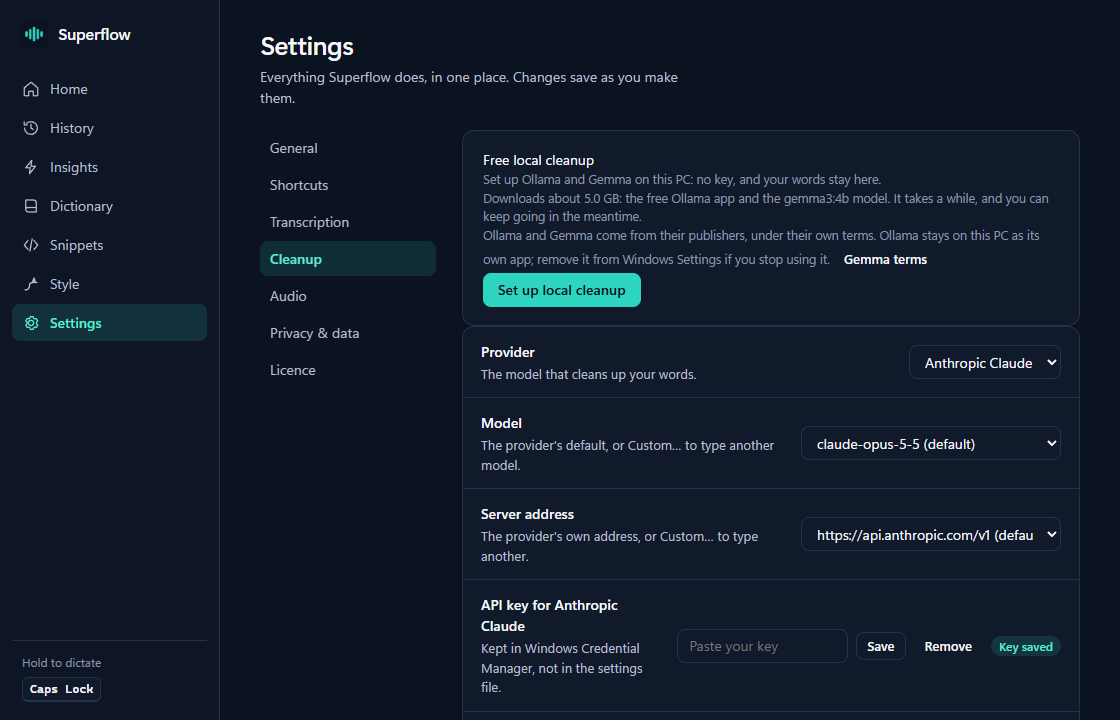
Download Parakeet or a Whisper model inside the app. Nothing you say leaves the computer unless you switch on a cloud engine yourself.
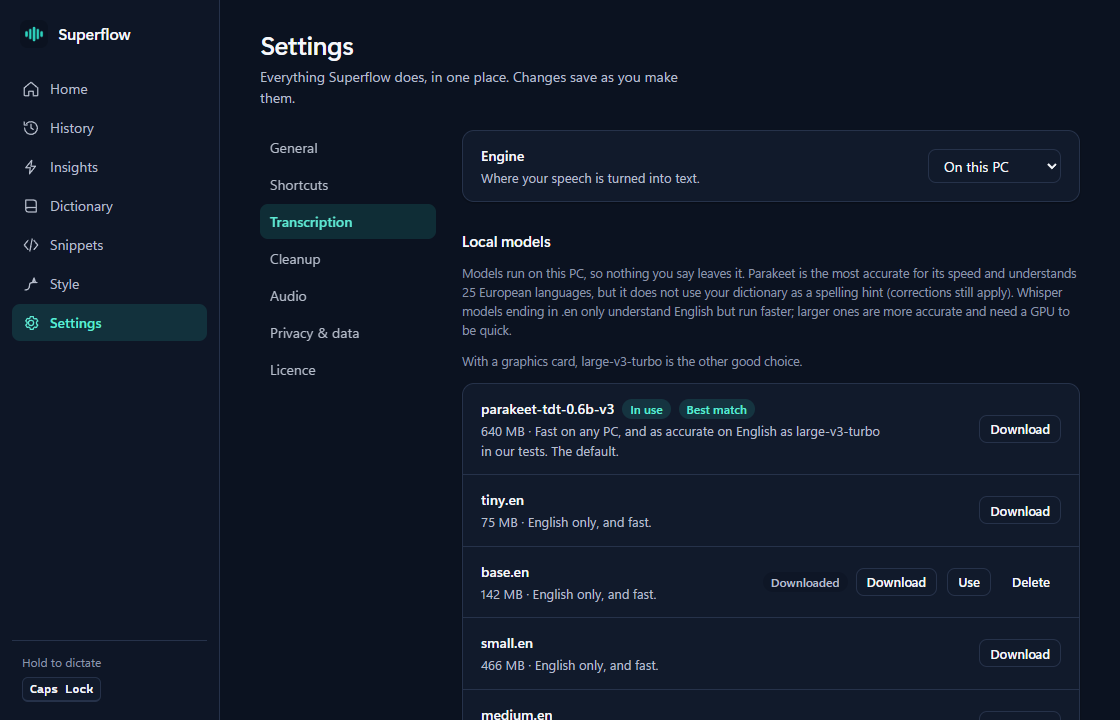
Your keys
Caps Lock out of the box, or Ctrl + Win, or another key you choose. Hands-free, paste last and copy last each have their own shortcut.
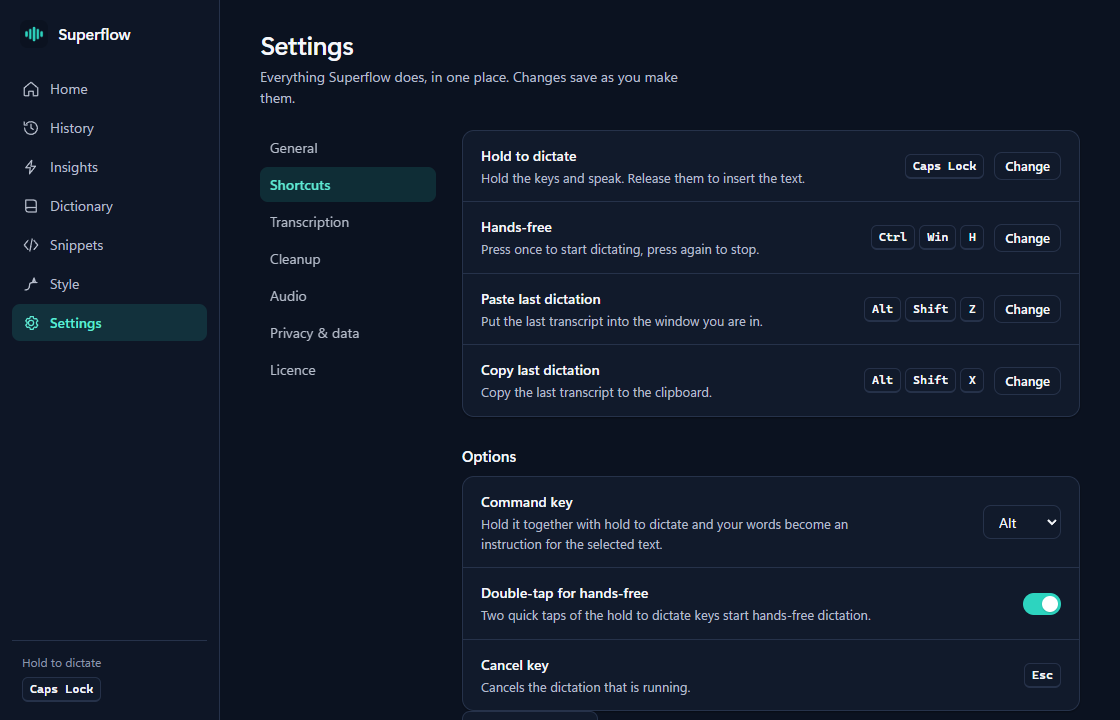
Tidy-up is optional
A language model can drop the ums and add punctuation. It needs a model: Ollama on your PC (a download of about 5 GB) or a provider key. Without one you get the raw transcript.
A dictionary that learns
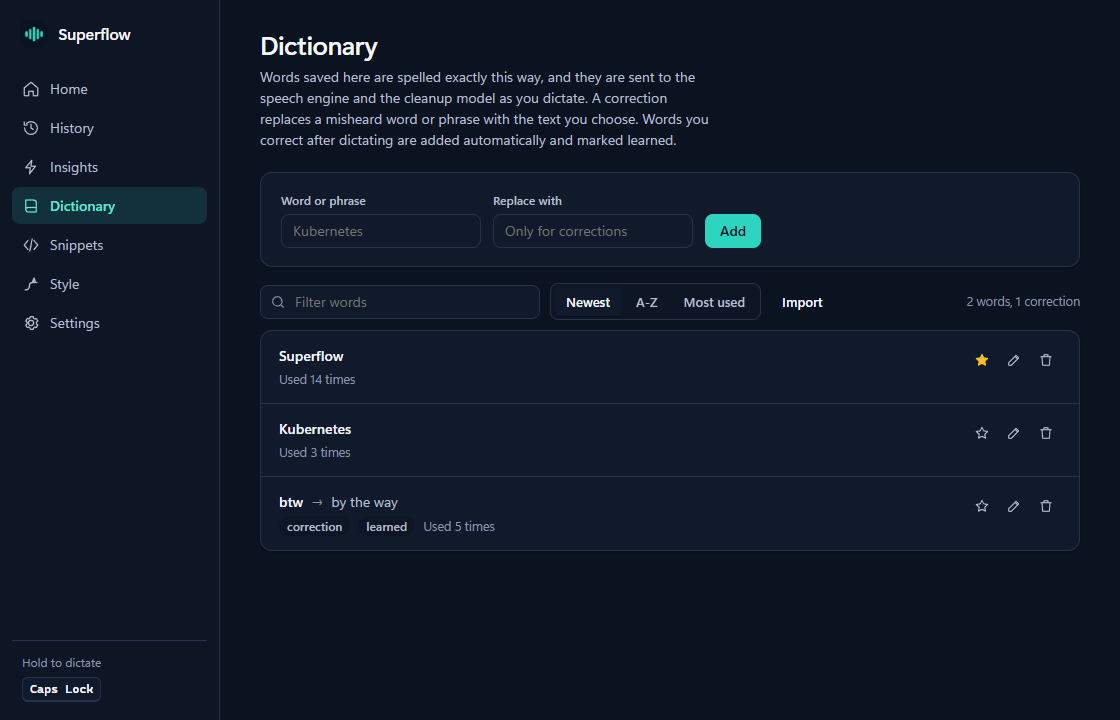
Add names and spellings. Fix a word by hand after dictating and, with tidy-up on, Superflow can learn it and shows an Undo.
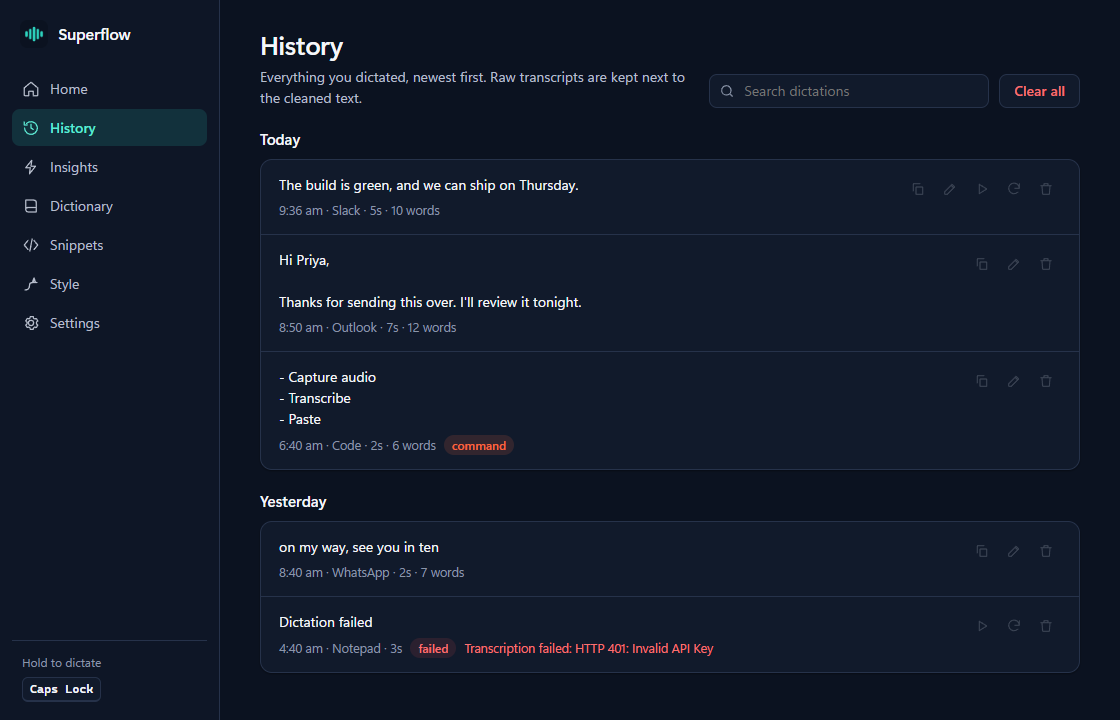
Every take, kept
Raw words sit next to the text, searchable by day. Replay and re-transcribe need recordings kept, which is off until you switch it on.
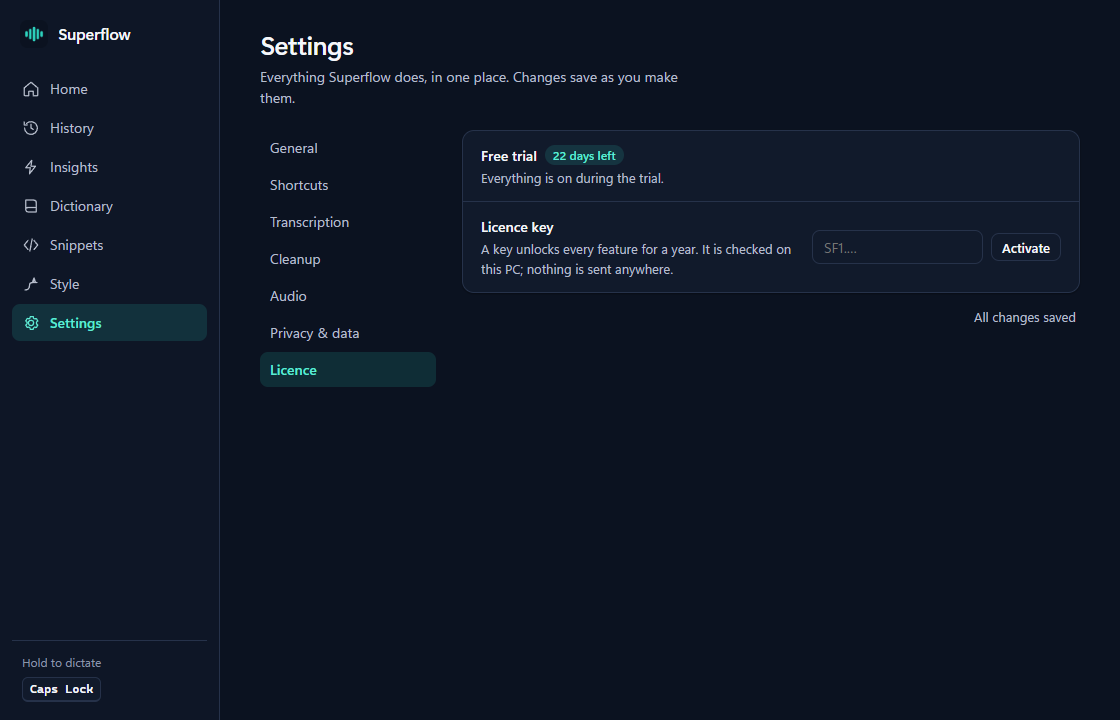
30 days, no key
The trial starts the first time the app runs. After it, free mode keeps your local speech model working, and a key brings back the rest.
Screens from the Windows app. The entries and numbers are sample data.
Not available, and no date promised: a Mac version, phone apps, and using your own PC as the engine for your phone.
Step by step
Written for the real screens, from install to uninstall.
Your voice stays on your PC
With the default settings, audio is transcribed on your computer and never leaves it. The app has no account and no telemetry. API keys you add are kept in Windows Credential Manager.
If you switch on a cloud engine or a cleanup model, the audio or text goes to the provider you picked, under their terms. Superflow tells you which is which in Settings. This website never receives your audio or your text.
30 days of everything. Then free, or $5.
No sign-up and nothing to pay now. After day 30 the app keeps working in free mode with the local speech model you already have, or $5 buys a key for 12 months of everything. Early-user offer: $5 while it runs for 60 days after launch; after it, every key costs $15 a year, renewals included. Buying opens before the first trials end; the pricing page has the details.
Questions
Does it need the internet?
Not for dictation with a local model. You need a connection once to download a model, and for any cloud engine or cleanup provider you choose to use.
Do I need an account?
No. Downloading and using the app never needs one. A free account on this website is optional, and only gets you email about your account and new versions.
Which Windows?
It is built and tested on Windows 11, which includes the WebView2 runtime the app uses. The installer fetches it if it is missing.
Why does Windows warn me about the installer?
The installer is not code-signed yet, so SmartScreen calls the publisher unknown. The install tutorial shows the two clicks.
What happens after 30 days?
Free mode: the speech model you already have on your PC, with no cleanup, commands or dictionary. Your history and settings stay. Or buy a key, $5 for 12 months, to keep everything. Details.
Can I use my own speech or language models?
Yes. Point cleanup at any server that speaks the OpenAI or Anthropic API, such as Ollama on your own PC, and add its address in Settings.
Mac, iPhone, Android?
Coming soon is all we can say. Today it is Windows only.
How do I remove it?
Uninstall it from Windows Settings. The tutorial covers what stays and what goes.
Try it on your PC
Download for Windows Read the help
A test release. If something breaks, we want to hear it.
Want an email when a new version is out? Sign up for updates. It is optional: the app never needs an account.